I want to... Browse the Library for Ready-made worksheets
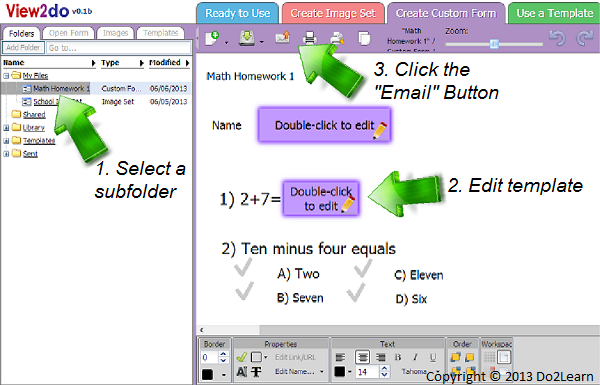
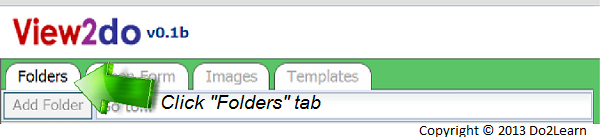
- You can access existing worksheets in the document library, located on the left-hand side of the screen. First, select the Folders tab.
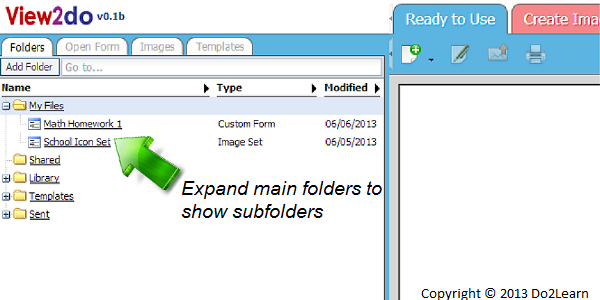
- A list of the folders available will appear, including My Files, Shared, Library, Templates, and Sent. Click on the desired folder, and a series of subfolders may appear. Within each subfolder is a list of the worksheets and documents saved in that folder.
- When you click on the chosen file, it will open in the appropriate workspace. You can then make changes, email it to a student, or print the saved document.