Text Options

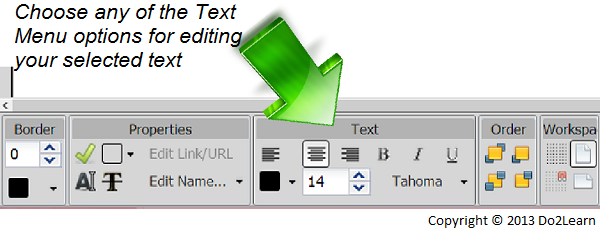
The text menu at the bottom of the screen allows you to edit the appearance of text. With a specific text box selected, you are able to change the font type, size, color, and alignment.
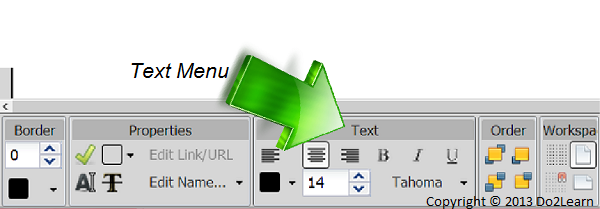
- First, locate the Text menu in the bottom of your workspace.
- Then, select the desired text box.
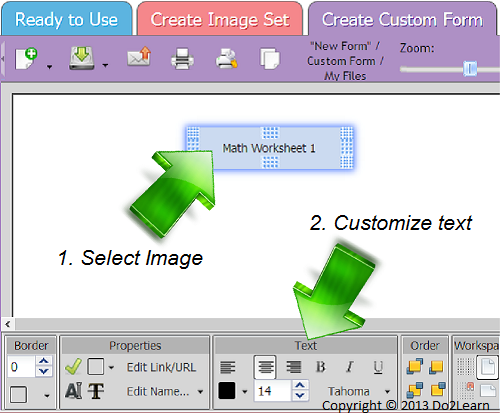
- Now, you can click on any of the options below to customize your text.