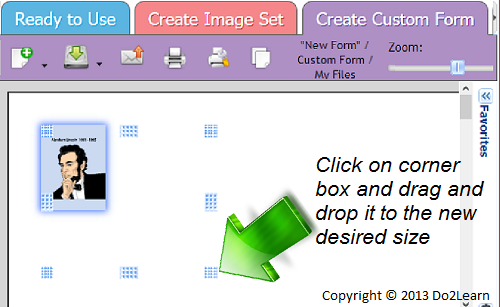
Resizing Objects

When creating customized image sets and worksheets for students, it is often necessary to resize text boxes and images in the workspace.
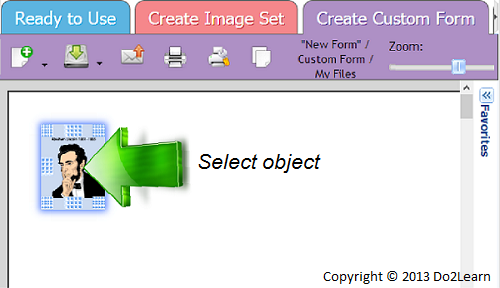
- To resize an object, you must first select it.
- Then, place the cursor over one corner of the object and drag it to the desired size.