Moving Objects

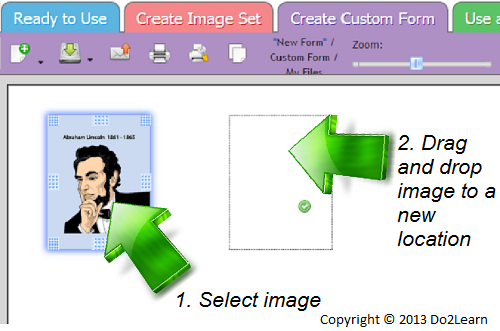
When creating customized image sets and worksheets, it is often necessary to move text boxes and images around in your workspace.
- To move an object, simply click and drag it into the desired location. If a small green check mark appears when you go to release the object, that particular moving action will be successful. If a red oval icon appears, the object won’t be moved.